


Systems integration
Operational systems for the work that actually delivers the service
Free consultationNDA on requestReply within one working day
Operations automation
Done by hand today
Automated
Trusted by global clients and organisations
















The situation
The work is visible only after it is finished
Back-office systems usually get the investment. The systems that run the actual service are often a whiteboard, a shared calendar and a lot of phone calls.
- Scheduling done in a spreadsheet or on a wall
- Status established by ringing someone and asking
- Jobs recorded on paper and entered later, if at all
- No reliable view of capacity before committing to a customer
- Exceptions handled by whoever happens to notice
- Operational data that never reaches finance without rekeying
What it covers
What an operational system covers
Scheduling and capacity
What is committed, what capacity remains, and what happens when something moves — visible before a promise is made rather than after.
Dispatch and field
Getting work to the people doing it and getting the result back, including when they have no signal.
Tracking and status
The current state of every job, visible without ringing anyone.
Exception handling
Routing the things that have gone wrong to a person, so the routine cases can proceed without one.
Integration
Connections to CRM, finance and stock so operational events reach the systems that bill and account for them.
Operational reporting
Utilisation, throughput and failure rates from live data rather than reconstructed monthly.
How we work
How an operational build runs
These systems are used by people under time pressure. If it is slower than the whiteboard it replaces, it will not be used, whatever the reporting benefits.
- 01
Watch the work
Observe how the operation actually runs, including the informal steps that keep it moving and never appear in a process document.
- 02
Design for the frontline
Optimise for the people entering and acting on data, not for the report that will be produced from it.
- 03
Build and integrate
Deliver in increments, connected to finance and CRM as it goes so operational events land where they are needed.
- 04
Roll out and adjust
Introduce it alongside the current method rather than in place of it, and adjust before removing the fallback.
Outcomes
What you are left with
- The current state of the work visible without asking anyone
- Capacity known before a commitment is made to a customer
- Jobs recorded where they happen rather than typed up later
- Exceptions routed deliberately instead of noticed by chance
- Operational data reaching finance without rekeying
- Utilisation and throughput measured rather than estimated
Platforms and tooling
What we build with
Application
- .NET
- Node.js
- Java
- React
- Next.js
- React Native
Data
- SQL Server
- PostgreSQL
- Redis
- Time-series stores
Integration
- REST
- Message queues
- Webhooks
- ERP and CRM connectors
Named as platforms we work with, not as formal partnerships.
Questions we are usually asked
Sometimes, and where one fits it is usually the better answer. Custom operational systems earn their cost when the way you schedule, prioritise or fulfil is genuinely distinctive — which for many organisations is exactly where their advantage sits.
Only if it is faster than what they do now. That is why these builds start by watching the actual work: a system designed around the report it produces rather than the task it supports gets quietly abandoned.
Yes, and for field operations it generally must. Work is captured locally and synchronised when a connection returns, with the conflict rules agreed rather than left to chance.
That is usually one of the first integrations. Operational events that never reach finance become a monthly rekeying exercise, which is often where the largest hidden cost sits.
Alongside the current method rather than instead of it, on a subset of work, until it is demonstrably better. Removing the fallback before that point is how these projects damage the operation they were meant to improve.
It comes free once the work is captured as it happens. That is the sequence though — capture first, reporting second. Building for the report first produces a system nobody on the frontline wants to use.
Talk to us
Talk to someone who has built this
Not a salesperson working from a form. Tell us what the problem looks like and someone who has delivered this kind of work will come back to you, usually within one working day.
Tell us what you need
No obligation, and nothing is shared outside Geecon Global.
Not sure where to start?
Where this usually connects
Bespoke business applications
Software shaped around how you work, when nothing off the shelf fits.
Learn moreSystems integration
Making the systems you already own talk to each other.
Learn moreSoftware and hardware integration
Connecting devices, equipment and sensors to business systems.
Learn moreMobile app development
iOS and Android apps connected to the systems behind them.
Learn moreDigital process automation
Approvals, workflows and handoffs that currently sit in an inbox.
Learn moreBespoke databases
For the operational data that has ended up in a spreadsheet.
Learn more
Related work
 Membership
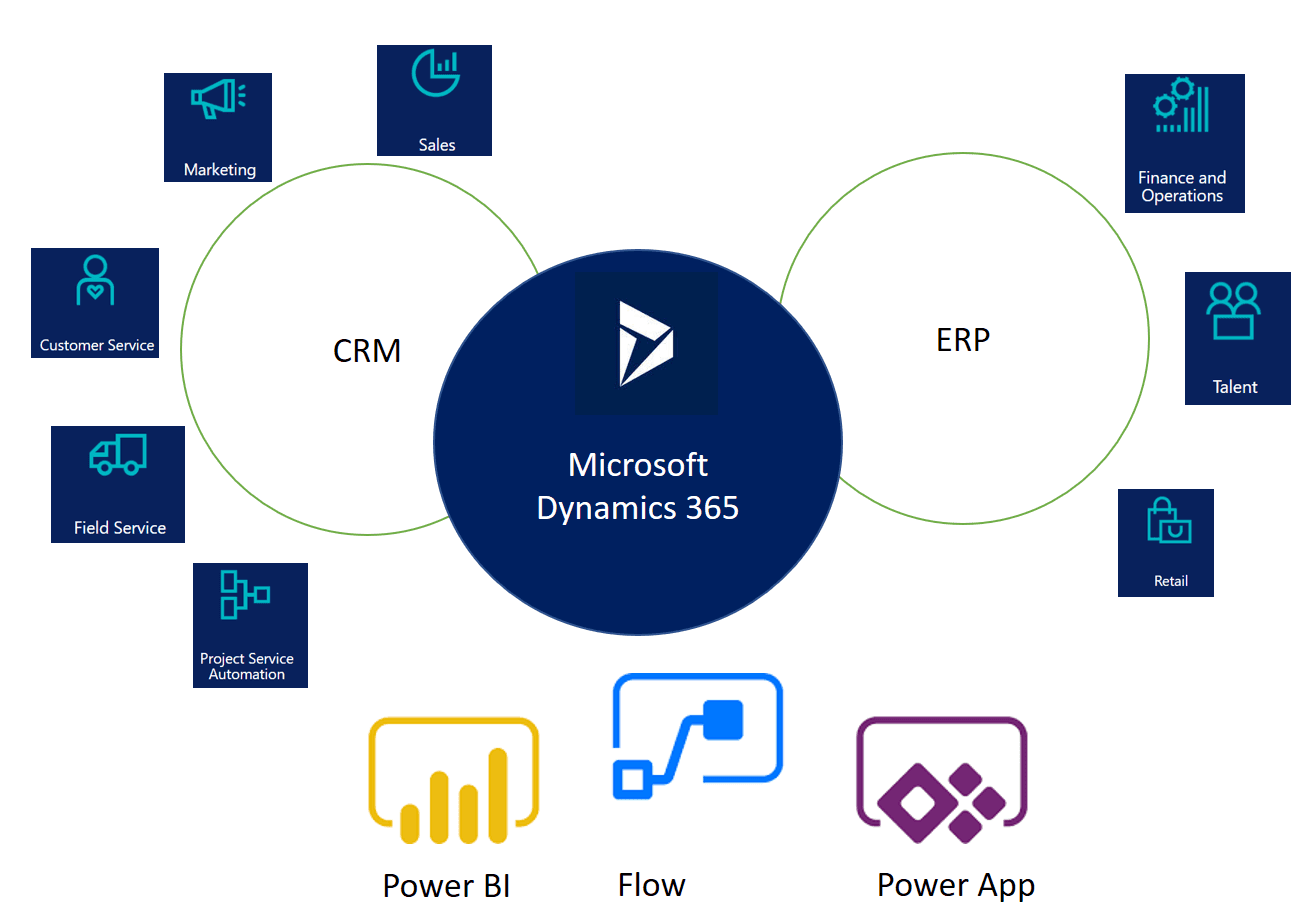
Transforming operations with Microsoft Dynamics 365
Operational Efficiency — Manual work reduced significantly with automated workflows.
Read the case study- Leisure & hospitality
Customised tee booking system for Thorney Park
40% Increase in Sales — Direct improvement in revenue after launch.
Read the case study